How to Submit a Support Ticket
Option 1: Submit a Ticket Directly in the App
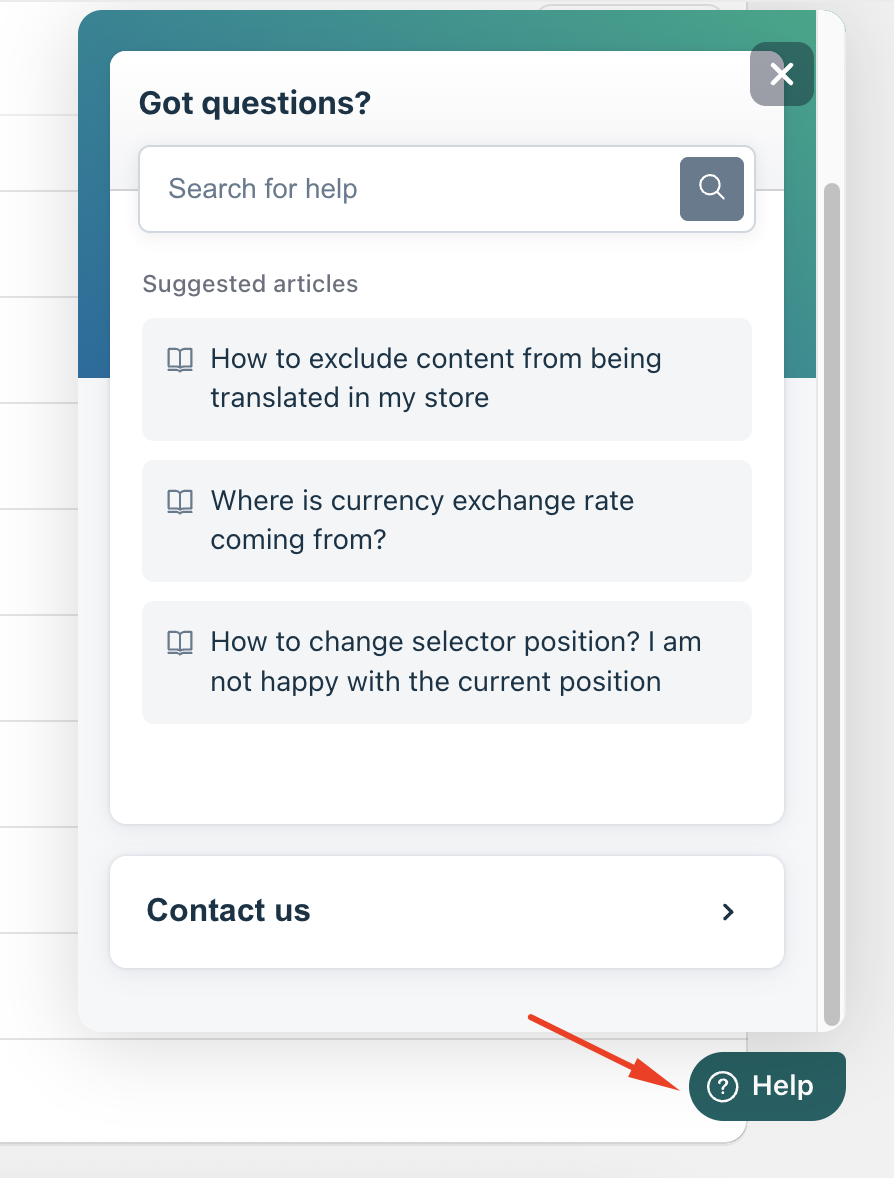
Click “Help” on the right-side bar.
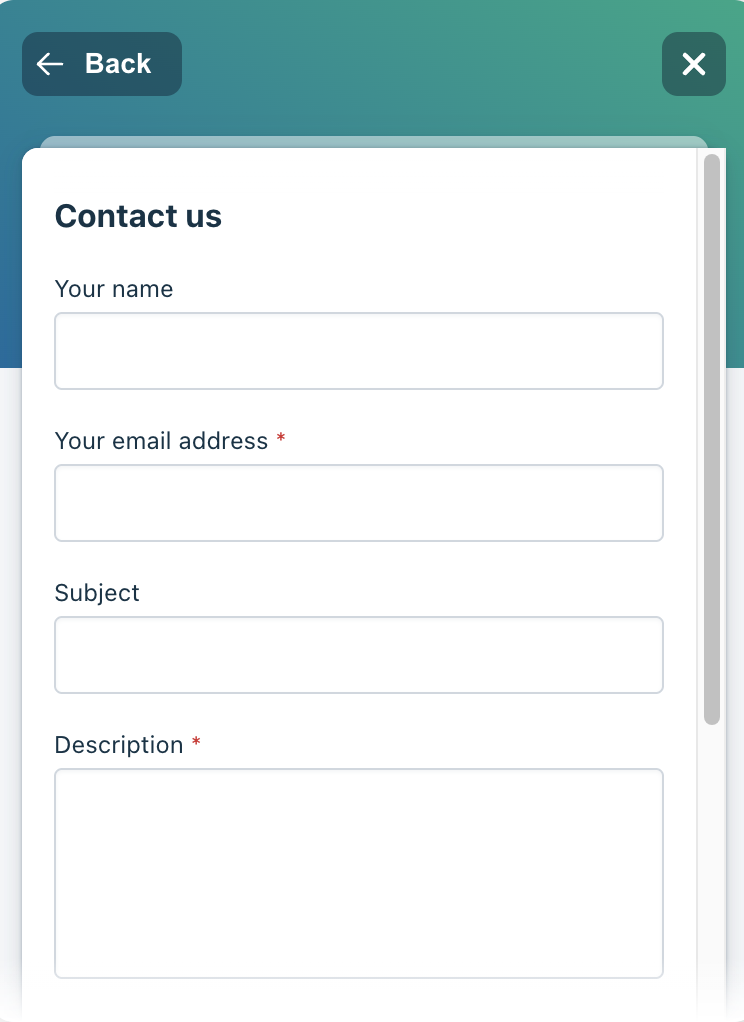
Select “Contact Us.”
Enter your concern and provide the required details.
Click “Send.”
Option 2: Submit a Ticket via Contact Form
You can submit a support ticket directly using this link:
https://gelacy.freshdesk.com/support/tickets/new
If you need further guidance or have any questions, don't hesitate to reach out to our support team through email us at support@gelacy.app
Was this article helpful?
That’s Great!
Thank you for your feedback
Sorry! We couldn't be helpful
Thank you for your feedback
Feedback sent
We appreciate your effort and will try to fix the article